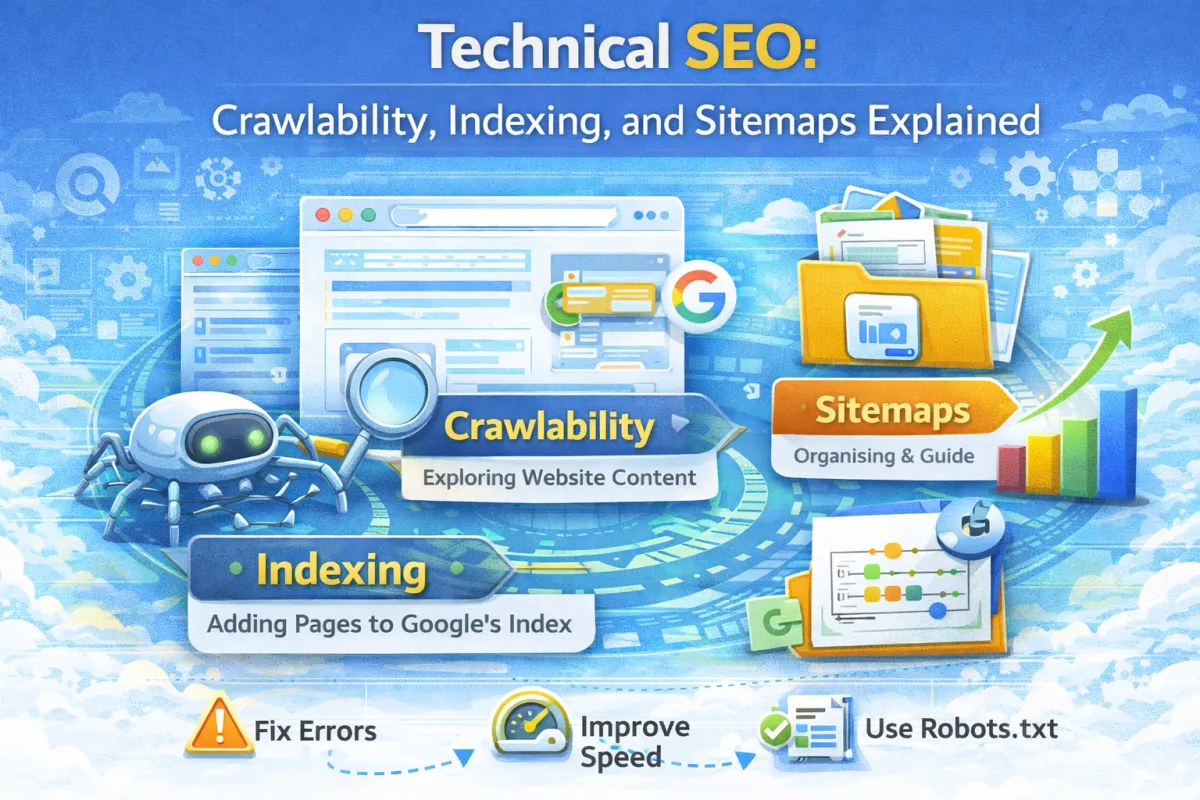
Technical SEO: Crawlability, Indexing, and Sitemaps Explained
A plumbing company hired me to help improve their rankings. Their website had good content. They had backlinks. Reviews were solid.
But they ranked #12 for their main keyword. And they couldn't figure out why.
I ran a technical audit. And I found the problem immediately.
Google's crawler couldn't actually access half their website. There were broken internal links. Their sitemap was outdated and listed pages that no longer existed. They had duplicate content issues. And their robots.txt file was blocking important pages from being indexed.
All of this was invisible to them. The website looked fine. It worked for visitors. But Google couldn't crawl and index it properly.
Within two weeks of fixing these technical issues—and doing nothing else—they moved to #7. Within two months, they were #2.
That's the power of technical SEO.
Most small business owners ignore technical SEO because it sounds complicated. But it's actually the foundation that everything else (content, backlinks, on-page SEO) is built on.
In this post, I'm going to explain the technical SEO basics you actually need to know.
What Is Technical SEO?
Technical SEO is making sure Google can crawl, understand, and index your website properly.
It's not about keywords or content. It's about the infrastructure that allows Google to actually find and understand your pages.
Think of it like this: having great content is like having an amazing product. But if your store doesn't have a sign, the door is hard to find, and the inside is confusing, nobody's going to buy your product.
Technical SEO is the sign, the clear entrance, and the organized layout.
Why Does Technical SEO Matter?
Here's the cold truth: if Google can't crawl your site, it can't rank your content.
You could have the perfect article about your service. But if Google can't find it or index it, nobody searching for it will ever see it.
Technical SEO issues prevent pages from being indexed. When pages aren't indexed, they don't rank. When they don't rank, you get zero traffic.
That's why fixing technical issues often has a bigger impact than writing better content. You're fixing the foundation.
Common technical SEO issues include pages that Google can't access, duplicate content that confuses Google about which version to rank, broken internal links that waste Google's crawl budget, slow page load times that discourage crawling, and outdated sitemaps that point to pages that no longer exist.
The Core Concepts of Technical SEO
Crawlability: Can Google Actually Access Your Pages?
Google sends bots (called crawlers or spiders) to scan your website. These bots follow links to discover pages and understand your site structure.
If Google's crawler can't access a page, it can't index it. And if it's not indexed, it can't rank.
Common crawlability issues include pages blocked by your robots.txt file, pages behind login walls, broken internal links, or pages that require JavaScript to load (and the crawler doesn't execute the JavaScript).
How to fix crawlability: Make sure your important pages are accessible to Google's crawlers. You can test this using Google Search Console. In the "URL Inspection" tool, you can see if Google can crawl and render your pages. If it can't, you'll see errors that tell you why.
Indexing: Is Google Actually Storing Your Pages?
Just because Google can crawl your page doesn't mean it will index it.
Google's crawlers find millions of pages. Google's index stores only the ones it thinks are worth ranking. If your page isn't indexed, it won't rank.
Indexing issues include pages with noindex tags (which tell Google "don't index this"), pages that are blocked from indexing in robots.txt, pages with very thin content, pages that are duplicates of other pages, or pages with poor quality signals.
How to check indexing: Use Google Search Console. Go to "Coverage" and you'll see which pages are indexed and which aren't. You'll also see errors preventing indexing.
Sitemaps: Telling Google About Your Pages
A sitemap is a file that lists all the pages on your website.
Think of it as a menu for Google. Instead of relying on Google's crawler to find all your pages by following links, you're saying "Hey Google, here are all my pages. Please crawl and index these."
Your website should have an XML sitemap (a file called sitemap.xml). This is different from an HTML sitemap (a page on your site that lists links to other pages). XML sitemaps are for search engines. HTML sitemaps are for users.
Most modern websites automatically generate their sitemap. WordPress sites (with an SEO plugin) generate it automatically. Wix and Squarespace generate it automatically. But you should still submit it to Google Search Console to make sure Google knows about it.
A sitemap includes: the URL of each page, when it was last updated, how often it changes, and its importance relative to other pages on your site.
How to submit your sitemap: Go to Google Search Console. Click "Sitemaps" on the left menu. Enter your sitemap URL (usually www.yoursite.com/sitemap.xml). Click "Submit."
Robots.txt: Telling Google What NOT to Crawl
Your robots.txt file is a small text file that tells Google's crawler which pages it can and can't crawl.
Most websites don't need to block anything from crawling. But sometimes you want to block pages that aren't important, like admin pages, duplicate pages, or pages under development.
Here's a basic robots.txt file:
User-agent: *
Disallow: /admin/
Disallow: /staging/
Sitemap: https://www.yoursite.com/sitemap.xml
This says: "All crawlers (User-agent: *), don't crawl the /admin/ folder or the /staging/ folder. And here's my sitemap."
Important warning: Blocking something in robots.txt doesn't prevent indexing completely. If another site links to your page, Google might index it anyway. If you really don't want a page indexed, use the noindex tag instead.
Canonical Tags: Handling Duplicate Content
Duplicate content is when the same content appears on multiple URLs.
This might happen accidentally (like having both www.example.com and example.com versions of the same page). Or intentionally (like having a product page that appears in multiple categories).
Google gets confused about which version to rank. So you use a canonical tag to tell Google: "This is the main version. Rank this one."
A canonical tag looks like this in your page's HTML:
html
<linkrel="canonical"href="https://www.example.com/product">This tells Google: "The main version of this page is at this URL. If you see this content elsewhere, it's a duplicate."
When to use canonical tags: Use them when you have intentional duplicates (like a product appearing in multiple categories). Don't over-use them. Most pages don't need them.
Site Structure: Organizing Your Pages
How you organize your pages matters to Google.
A clear structure helps Google understand your site. It also helps you pass ranking power through internal links.
A good site structure looks like this: Homepage → Main categories → Subcategories → Individual pages.
For example, a garden design company might have: Homepage → Services (main category) → Garden Design (subcategory) → Modern Garden Design (individual page).
This hierarchy tells Google that "Modern Garden Design" is a specific type of service under "Garden Design" under "Services."
How to optimize structure: Use clear navigation. Make sure pages are no more than 3 clicks from the homepage. Use descriptive URLs that match the page hierarchy.
Real-World Case Study
Let's look at how one business fixed technical SEO issues and saw results.
The Business: A local electrician in Sheffield.
The Problem:
Website was slow (load time: 6.2 seconds)
Google could only crawl 60% of their pages
Sitemaps were outdated and listed deleted pages
Multiple duplicate content issues (same content on different URLs)
Several broken internal links
What They Did:
First, they ran a full technical audit using Google Search Console. They identified all the crawlability issues: pages that were blocked by robots.txt that shouldn't have been, pages with noindex tags that should have been indexed, broken internal links, and a robots.txt file that was too restrictive.
They fixed the robots.txt file to allow crawling of all important pages. They removed noindex tags from pages that should be indexed. They identified and fixed all broken internal links. They created a proper XML sitemap that listed only live pages and submitted it to Google Search Console.
They also identified duplicate content issues. Their service pages were appearing under multiple URLs. They added canonical tags pointing to the main version of each page. This told Google which version to rank.
Finally, they optimized page speed. They compressed images, enabled caching, and upgraded their hosting. Load time dropped from 6.2 seconds to 1.9 seconds.
Results (within 3 months):
Google could now crawl 95% of their pages (up from 60%)
Pages indexed: 18 → 47 (they recovered pages that weren't being indexed before)
Average ranking position improved from #8.5 to #4.2
Monthly organic traffic: 200 visitors → 680 visitors
Enquiries from organic search: 1-2 per week → 6-8 per week
They didn't write new content. They didn't get new backlinks. They fixed technical issues. And their rankings improved significantly.
Basic Technical SEO Audit Checklist
Here's what you should check on your website:
Crawlability:
Can Google access your important pages? Check Google Search Console > URL Inspection.
Are important pages blocked in robots.txt? Check your robots.txt file.
Do you have broken internal links? Use a tool like Screaming Frog or Google Search Console > Coverage to find them.
Indexing:
How many pages are indexed? Check Google Search Console > Coverage. You should see most of your important pages listed as "Indexed."
Are there pages you want indexed but aren't? Check why in the Coverage report.
Sitemaps:
Do you have an XML sitemap? Check www.yoursite.com/sitemap.xml.
Is it submitted to Google Search Console? Go to Search Console > Sitemaps and check.
Does it list only live pages? Remove pages that no longer exist.
Robots.txt:
Do you have a robots.txt file? Check www.yoursite.com/robots.txt.
Is it blocking important pages? Make sure you're not accidentally blocking pages that should be crawled.
Speed:
How fast is your site? Use Google PageSpeed Insights. Aim for under 3 seconds load time.
Duplicate Content:
Do you have duplicate content? Check if the same content appears at different URLs.
Use canonical tags to point to the main version.
Site Structure:
Is your site well-organised? Pages should be no more than 3 clicks from homepage.
Do you have clear navigation?
Common Technical SEO Mistakes
Many businesses make simple technical mistakes that hurt their rankings. Using outdated sitemaps that list deleted pages tells Google to crawl pages that no longer exist, wasting their crawl budget. Blocking important pages in robots.txt prevents Google from crawling them. Having multiple versions of the same page (www vs non-www, or duplicates with different URLs) confuses Google about which version to rank.
Not fixing broken internal links wastes Google's crawl budget. Every 404 error is a wasted crawl. Slow page speeds discourage Google from crawling as much of your site. If your site takes 10 seconds to load, Google might only crawl 50% of it instead of 95%. Having pages with very thin content (like 50-word pages) signals low quality to Google.
Finally, ignoring indexing errors in Google Search Console means you're leaving pages out of the search index that could be ranking. Check your Coverage report regularly.
FAQ
Q: What's the difference between crawling and indexing? A: Crawling is when Google's bots visit your page. Indexing is when Google stores it in its index and considers it for ranking. A page can be crawled but not indexed.
Q: Do I need to submit my sitemap to Google? A: Not absolutely. Google will find your pages through links. But submitting your sitemap helps Google find all your pages faster, especially new ones.
Q: Will fixing technical SEO improve my rankings? A: Usually, yes. If your technical issues are preventing pages from being indexed or crawled, fixing them will help. You'll see more pages indexed and often ranking improvements.
Q: How often should I update my sitemap? A: If you're using WordPress or a platform that auto-generates sitemaps, it updates automatically. If you're manually creating your sitemap, update it whenever you add or delete pages.
Q: Is robots.txt the same as noindex? A: No. Robots.txt prevents crawling. Noindex prevents indexing. If you really don't want a page indexed, use noindex. Robots.txt just discourages crawling.
Q: What's a 404 error and why does it matter? A: A 404 error means "page not found." When Google crawls a broken internal link and gets a 404, it wastes that crawl on a dead page. Fix broken links.
Q: How many pages can Google crawl from my site? A: There's no fixed limit, but Google allocates a "crawl budget" based on your site's authority and size. The faster your pages load and the cleaner your structure, the more Google will crawl.
Q: Should I use HTTPS? A: Yes. Google prefers HTTPS (secure) over HTTP (not secure). Make sure your site uses HTTPS (look for the green lock icon in the browser).
Q: What if I have pages I don't want Google to find? A: Use the noindex tag or robots.txt to block them. But if they're not important, just delete them. Fewer pages to maintain is better than hiding pages.
Q: Does XML sitemap format matter? A: You should use standard XML sitemap format. Most platforms generate this automatically. Don't create custom formats.
Q: How do I know if my site structure is good? A: Check if important pages are 2-3 clicks from your homepage. Check if your navigation is clear. Use Google Search Console to see if all pages are getting indexed.
Q: What if Google says my site is slow? A: Optimise images, enable caching, use a CDN, and upgrade hosting if needed. These are the biggest speed wins for most sites.
The Bottom Line
Technical SEO might sound complicated, but it's actually just making sure Google can find, crawl, and index your website properly.
Most technical SEO issues are fixable. Many are free to fix. And fixing them often has a bigger impact than writing more content.
Here's what to do:
Run a technical audit using Google Search Console.
Fix crawlability issues (robots.txt, blocked pages, broken links).
Fix indexing issues (noindex tags, duplicate content).
Submit your sitemap.
Optimise page speed.
Check regularly to stay on top of issues.
It's not glamorous. But it's foundational. And it works.
Want a technical SEO audit of your website?
We'll run a full technical audit using Google Search Console and identify all the technical issues hurting your rankings. Most clients discover 5-15 technical issues they didn't know about. Most are fixable quickly. We'll give you a specific roadmap to fix them.
No guesswork. Just clear technical improvements that will help your rankings.
You can also get in touch directly if you'd prefer email or phone.